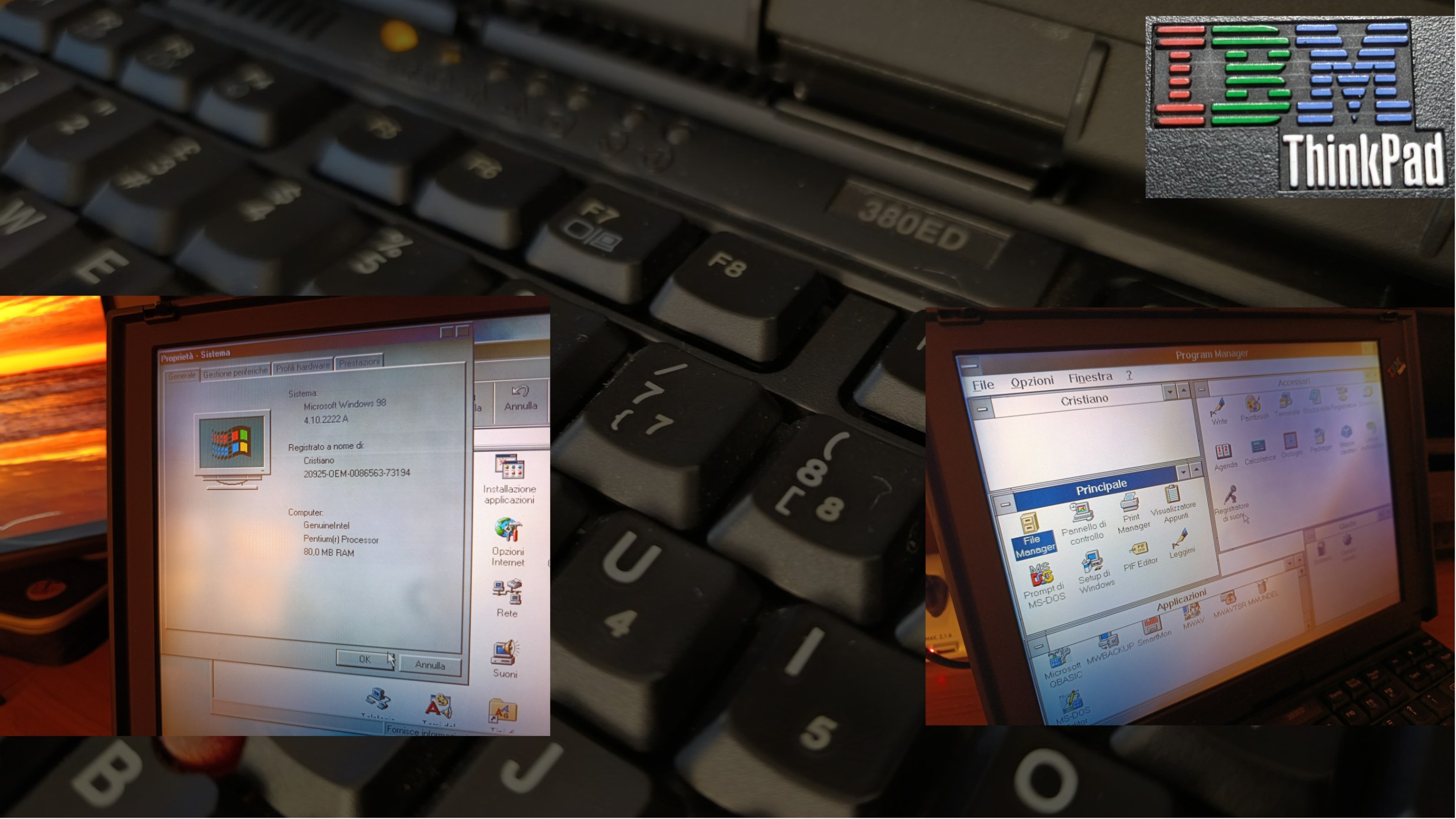
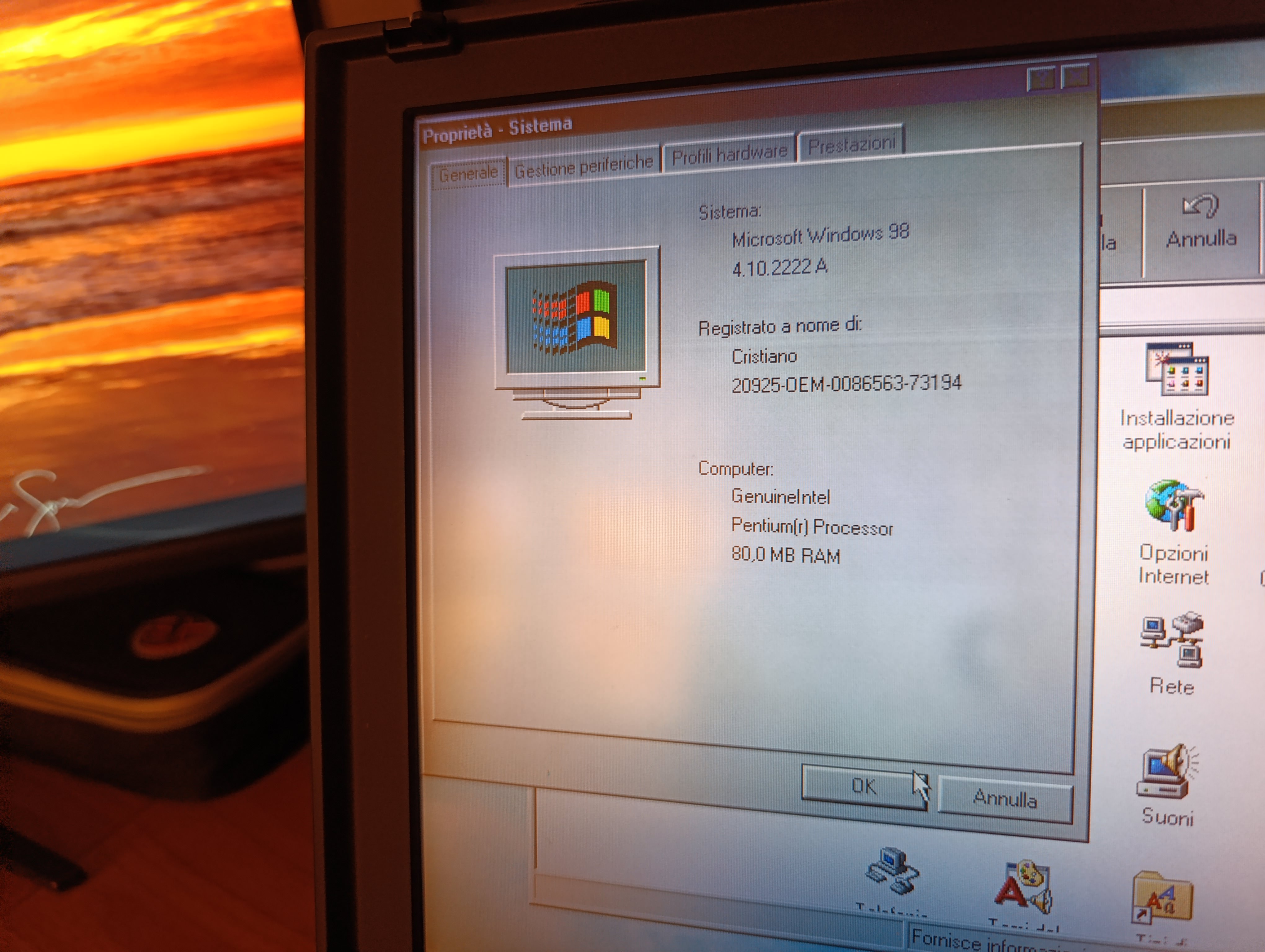
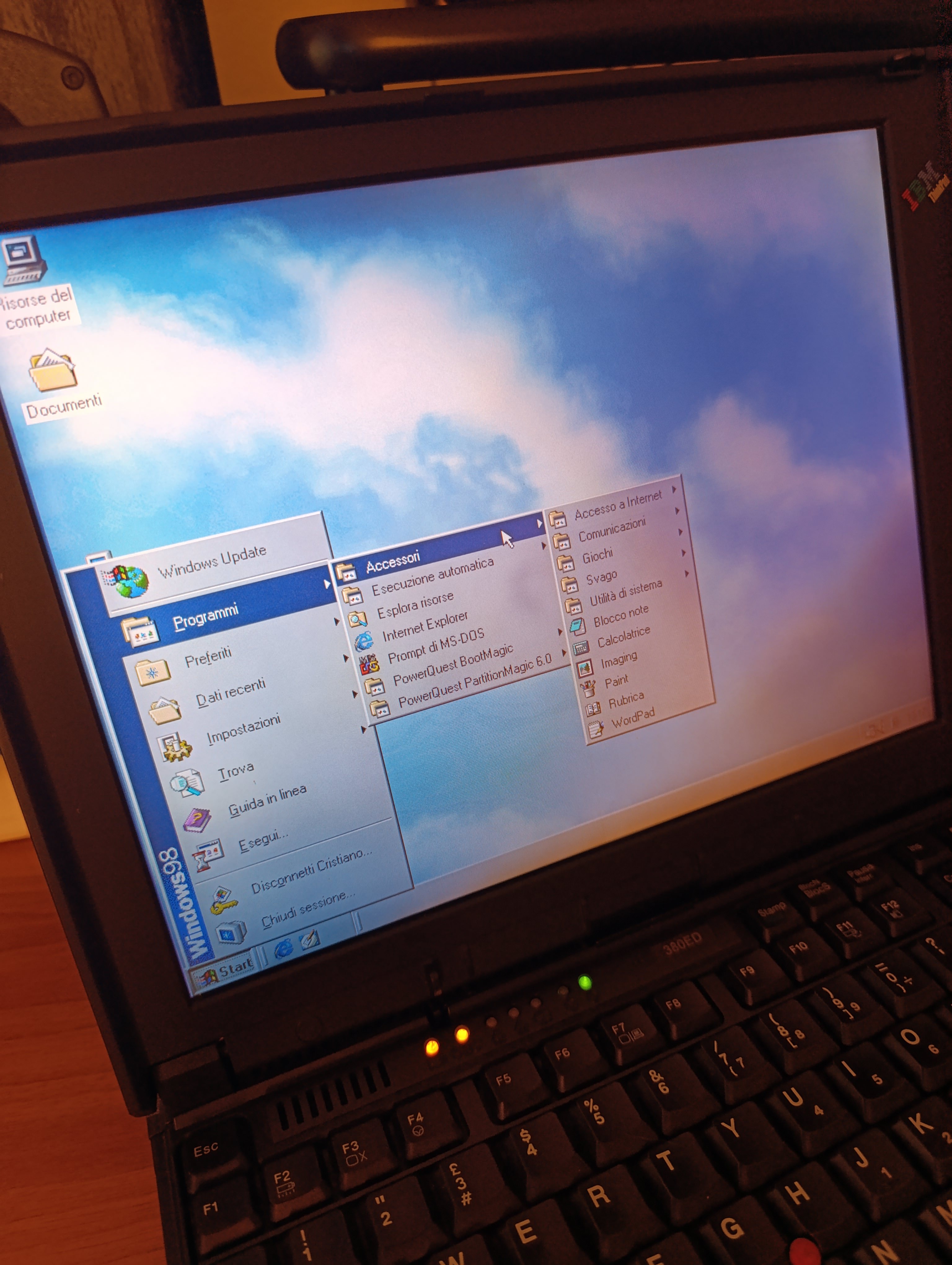
Situazione iniziale: ottimizzazione degli spazi e riprendo in mano un IBM ThinkPad 380ED perfettamente conservato nella sua borsa originale con 2.1 GB di Hard Disk e 80 mega di ram (a seguito di un update di più di 15 anni fa).
Gli avevo fatto inghiottire Windows ME (Millenium Edition) ed era stato adoperato per appunti in viaggio. Non si poteva fare un gran che ma per Word andava più che bene.
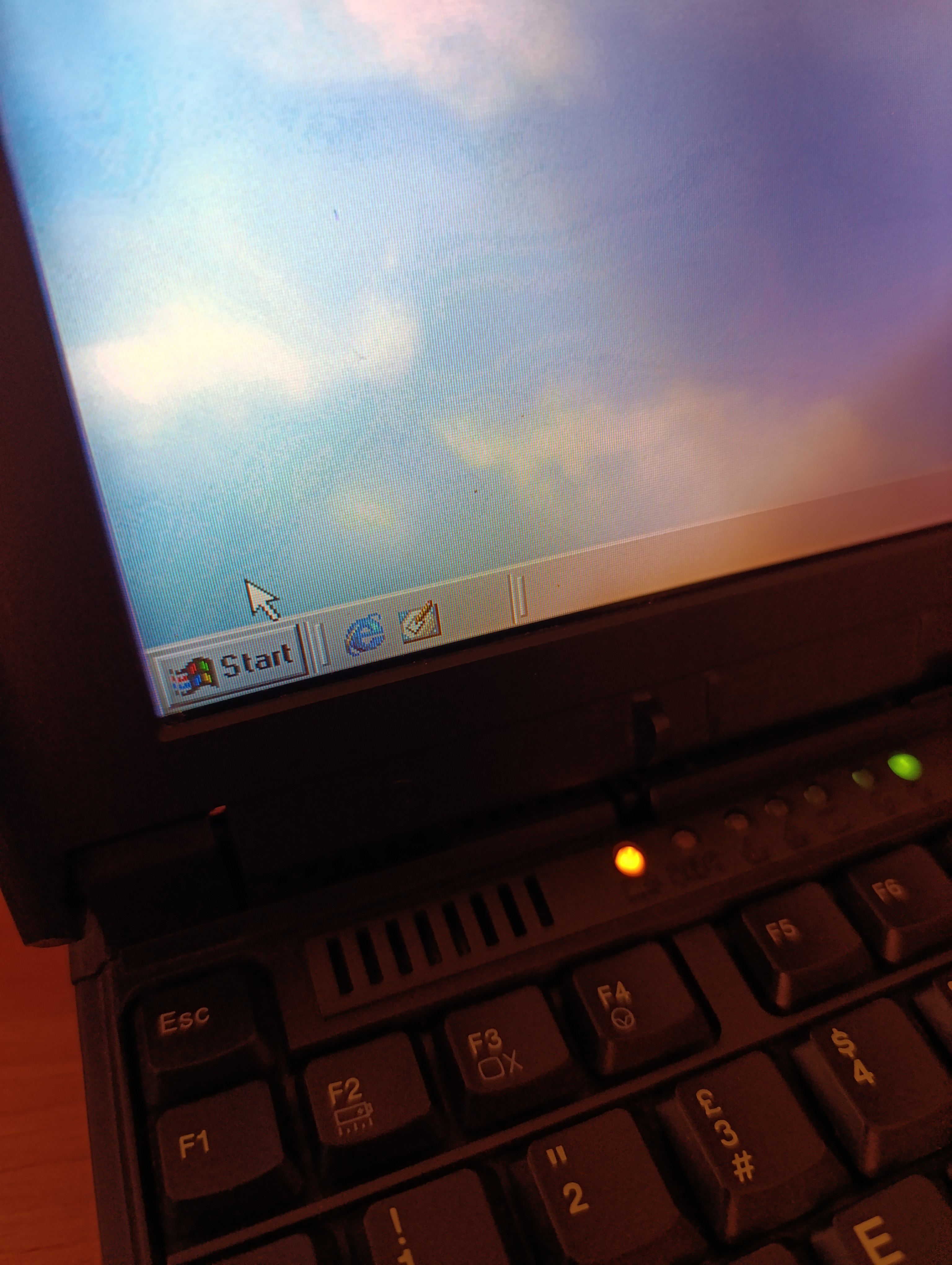
Disco boot di MSDOS 6.22 e un bel FDISK per azzerare tutto dalla radice. Creo una partizione unica e installo la mia versione originale di Windows 98SE: funziona tutto a meraviglia.
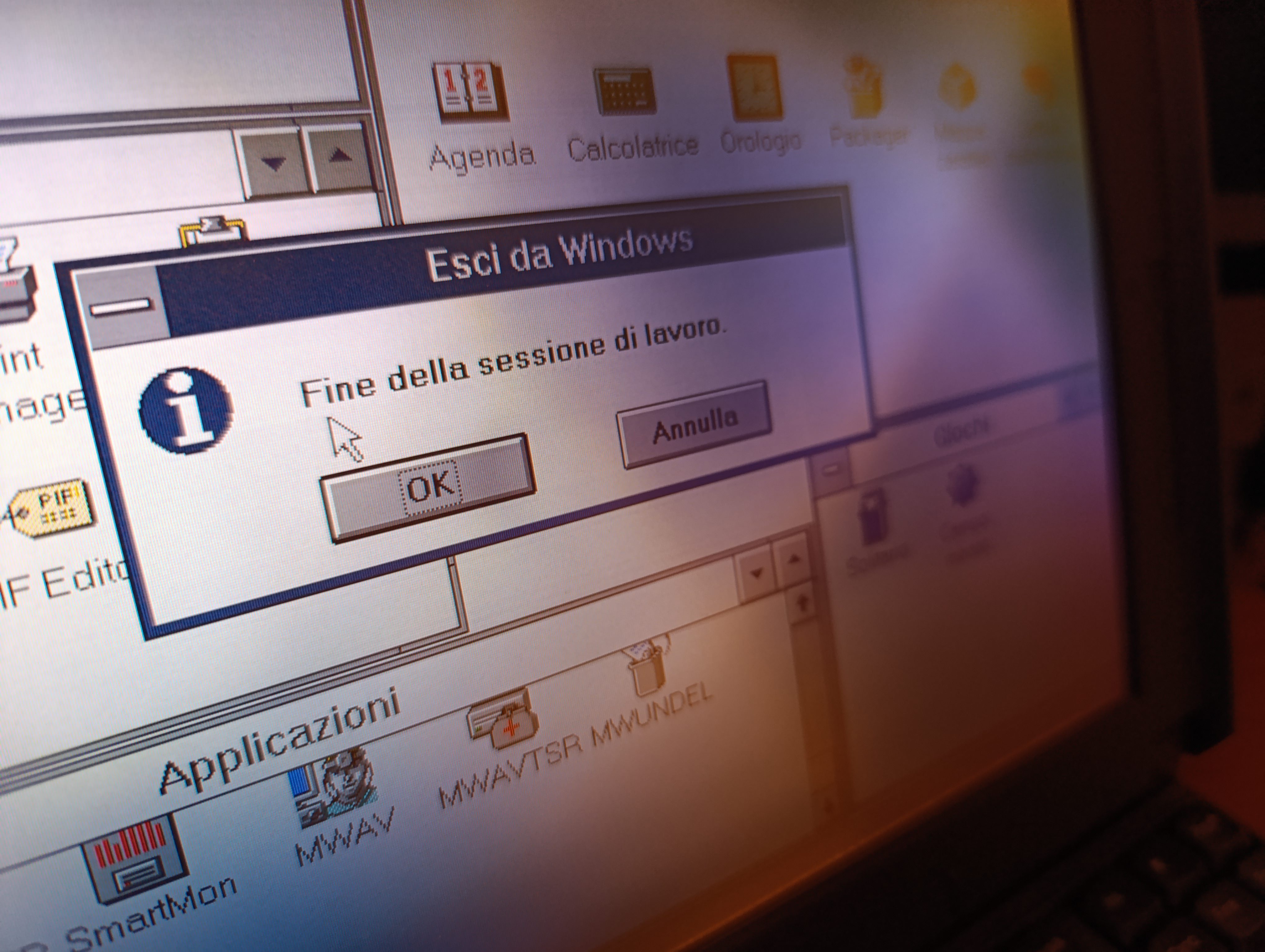
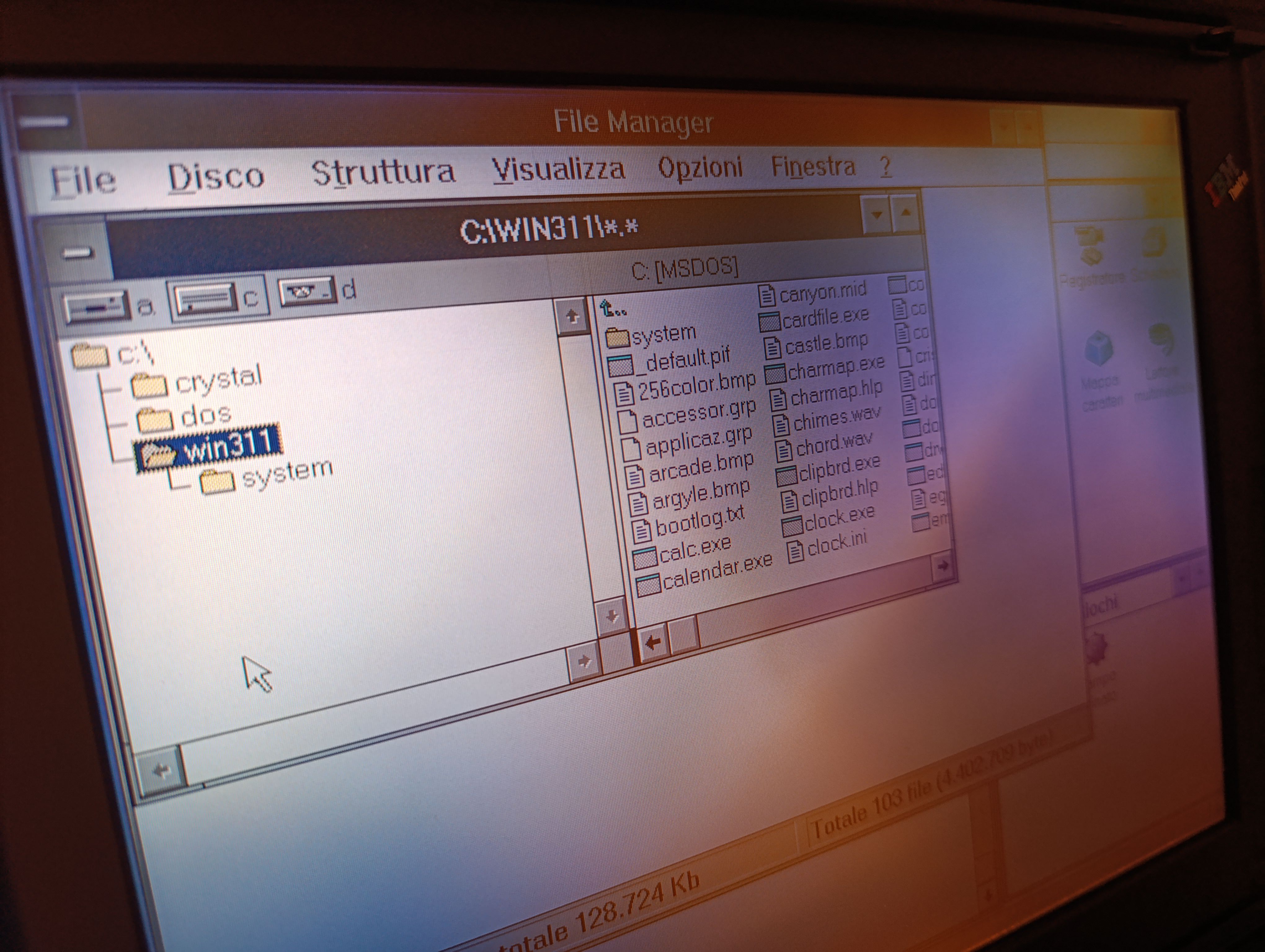
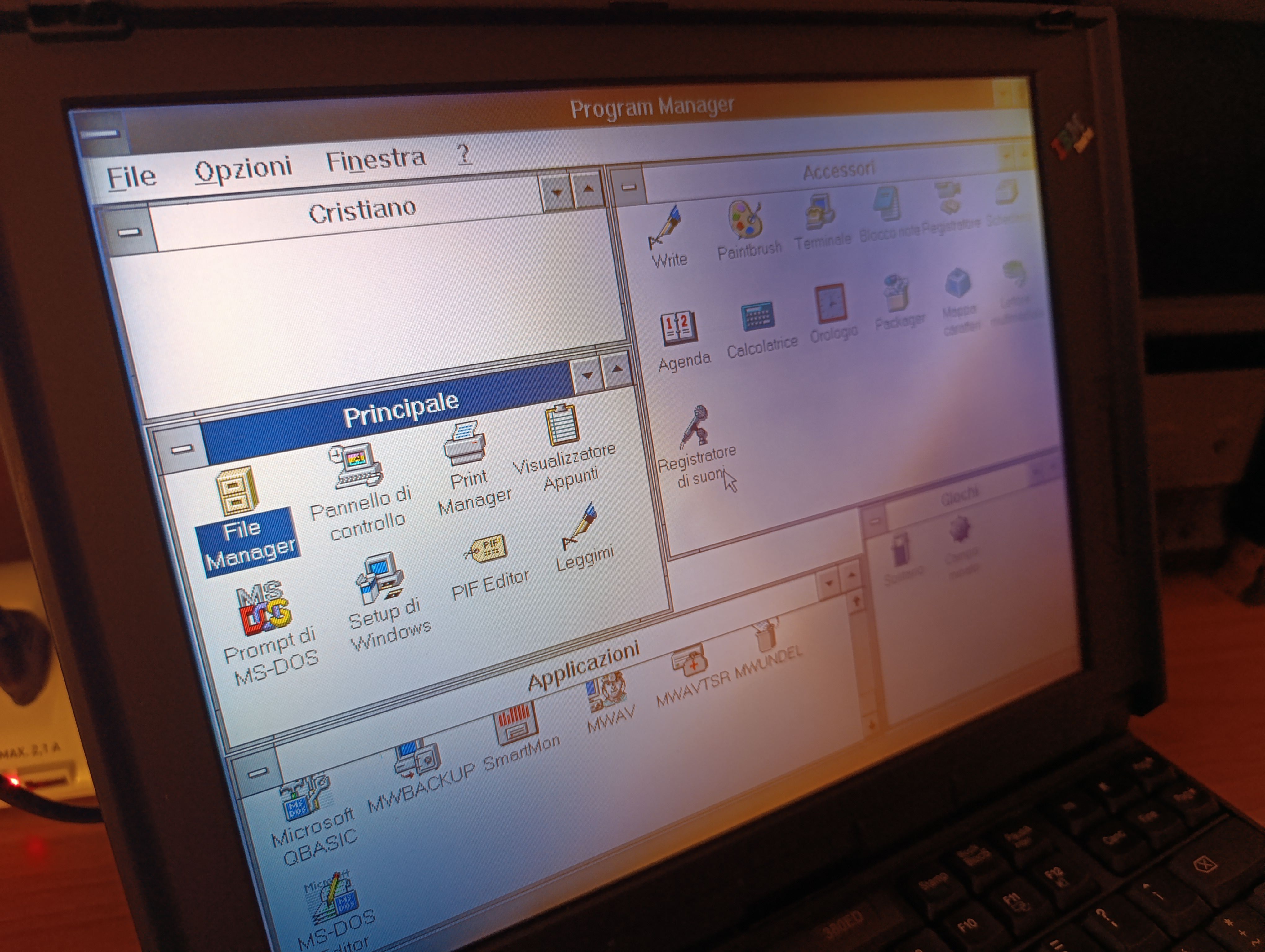
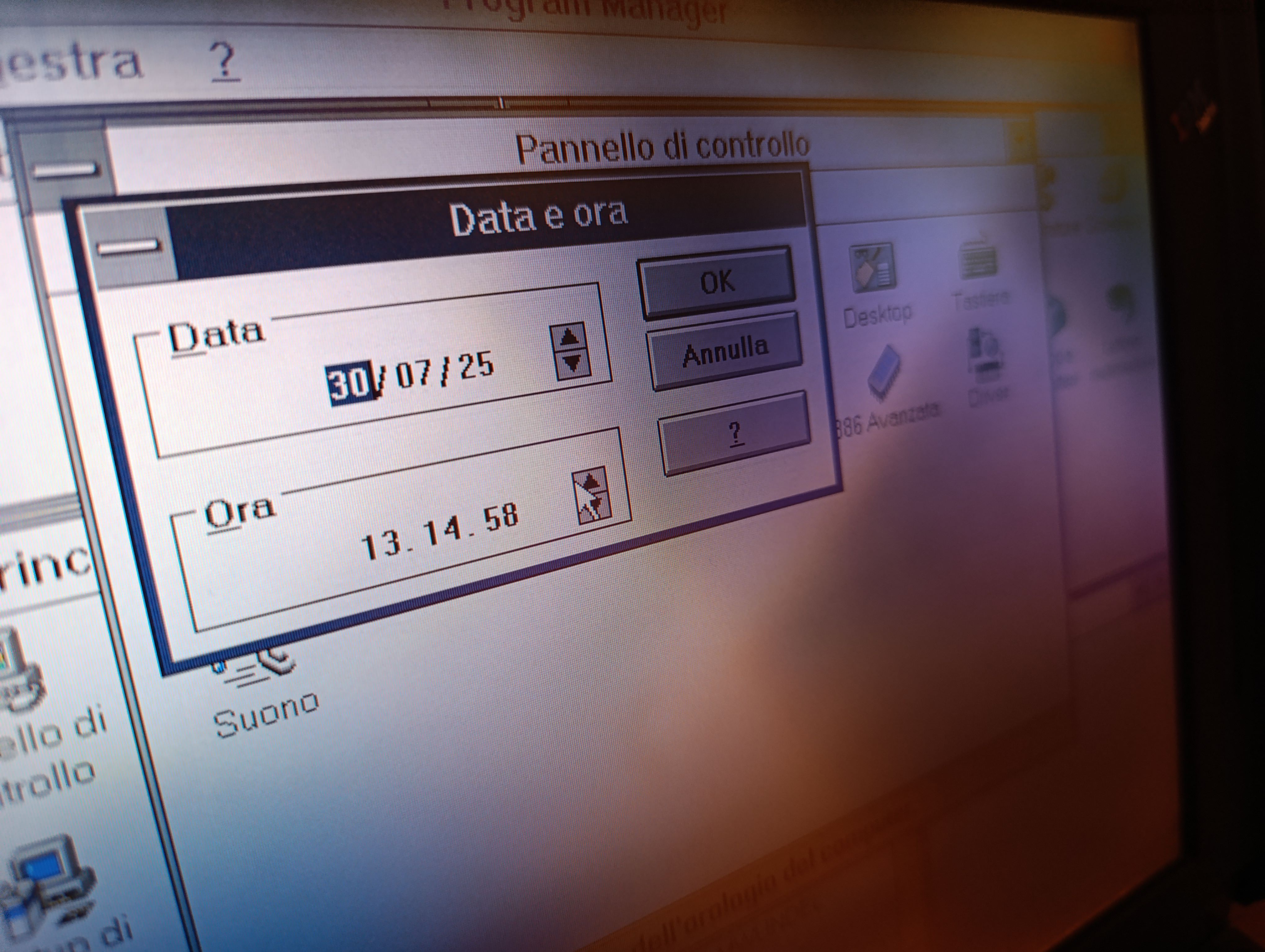
Ma perché non spingersi oltre? Su Internet Archive scarico la copia del vecchissimo Partition Magic 6.0 proprio per Windows 95/98 e creo una nuova partizione per MSDOS. Riavvio, installo la mia versione storica di MSDOS 6.22 e - impossibile non farlo - sopra ci metto la mia versione originale di WINDOWS 3.1, con i suoi sei floppy disk che ancora sono lì nel mio archivio e che funzionano a meraviglia, nonostante siano passati decenni (invece ho HD di ultima generazione che dopo 2 anni iniziano a singhiozzare).
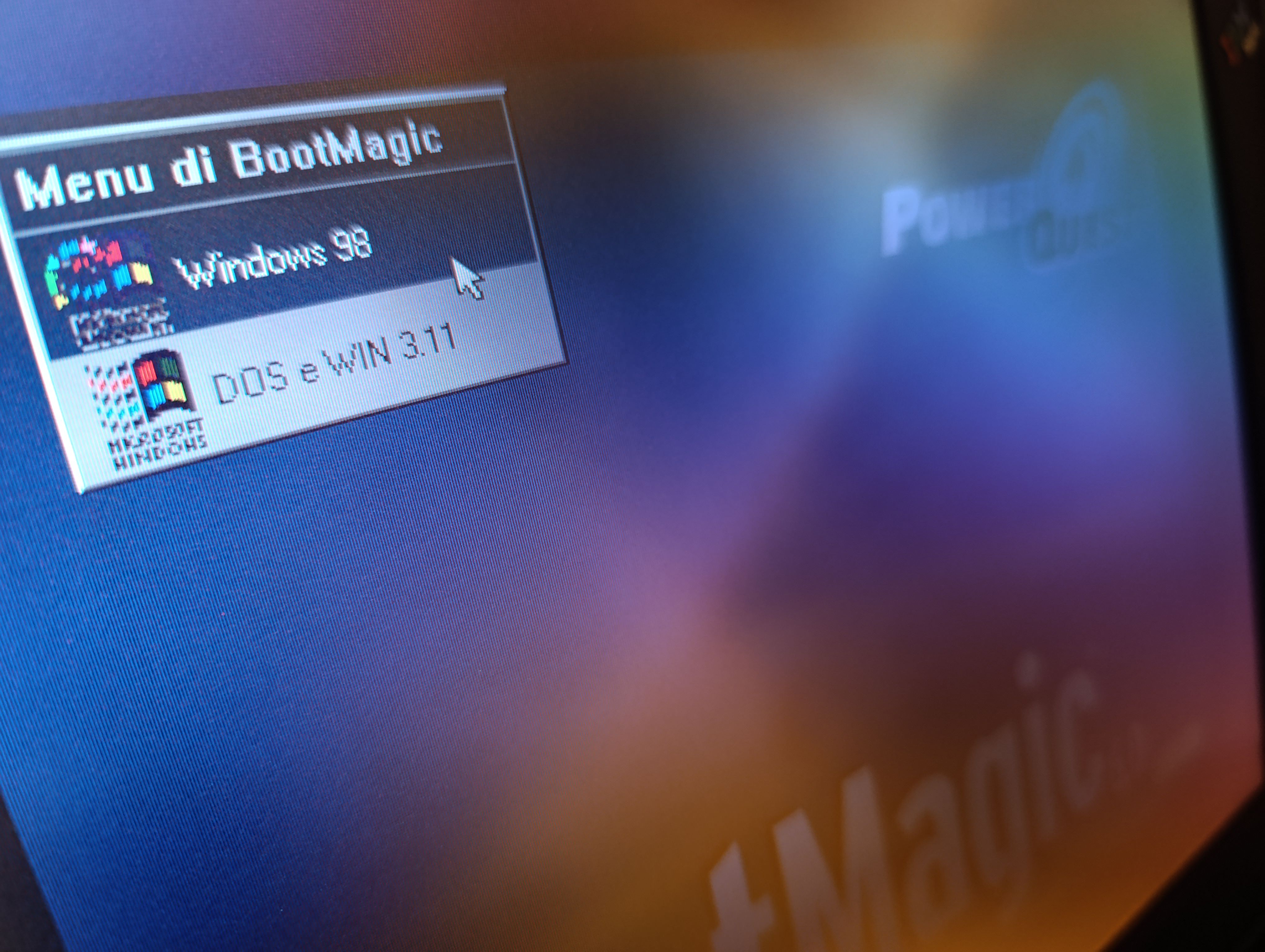
Per gestire il boot ho adoperato una vecchissima versione di Boot Magic che funziona perfettamente e mi consente di scegliere quale sistema operativo intendo adoperare al momento dell'avvio del laptop.
Bene: per MSDOS 6.22, Windows 3.1 e Windows 98SE non mi occorre più l'emulatore sul mio PC.
Ora che ci penso, in soffitta ho un PC di alcuni anni fa con 16GB di RAM e processore intel. Ha due hard disk capienti e una scheda video GTX. Penso mi procurerò un vecchio monitor e destinerò il PC al vintage-software creando partizioni per più sistemi operativi, LINUX incluso (di cui ho sempre letto ma non ho mai avuto l'opportunità di scoprire i vantaggi).
Initial situation: while reorganizing my workspace, I picked up an IBM ThinkPad 380ED, perfectly preserved in its original carrying case, still equipped with its 2.1 GB hard drive and 80 MB of RAM—an upgrade I performed more than fifteen years ago. At the time, I had forced it to swallow Windows ME (Millennium Edition), and I used it mainly for taking notes while travelling. It couldn’t do very much, but for Word it was more than adequate.
I started fresh with an MSDOS 6.22 boot disk and a thorough FDISK to wipe everything from the ground up. I created a single partition and installed my original copy of Windows 98SE: everything worked flawlessly.
But why stop there? On Internet Archive I found a copy of the venerable Partition Magic 6.0 for Windows 95/98, and used it to create a new partition dedicated to MSDOS. After rebooting, I installed my historic copy of MSDOS 6.22 and—how could I resist?—on top of it I added my original Windows 3.1, using the six floppy disks that still sit in my archive and work perfectly, despite the decades that have passed. (Meanwhile, modern hard drives start stuttering after barely two years.)
To manage the boot process, I used an ancient version of Boot Magic, which still works impeccably and lets me choose which operating system to launch when powering on the laptop.
And so, for MSDOS 6.22, Windows 3.1, and Windows 98SE, I no longer need an emulator on my main PC.
Now that I think about it, I have another PC in the attic—several years old, equipped with 16 GB of RAM, an Intel processor, two large hard drives, and a GTX graphics card. I believe I’ll find an old monitor and dedicate that machine entirely to vintage software, creating partitions for multiple operating systems, including LINUX (which I’ve read about for years but never had the opportunity to explore and appreciate).